Your copy-ready prompt
Out now · Kindle & Paperback
Know exactly what to ask AI.
PROMPT1000+: The AI Prompt Dictionary gives you 1,200 copy-ready prompts for the real tasks in your life and work — from a difficult email to a business plan, a study timetable, a spreadsheet formula or a safe AI agent. Find your task. Copy the prompt. Replace the [brackets].
In the UK? Get it on Amazon.co.uk: Kindle · Paperback
- 1,200 prompts
- 20 dictionaries
- 5 stages per task
- Any AI assistant
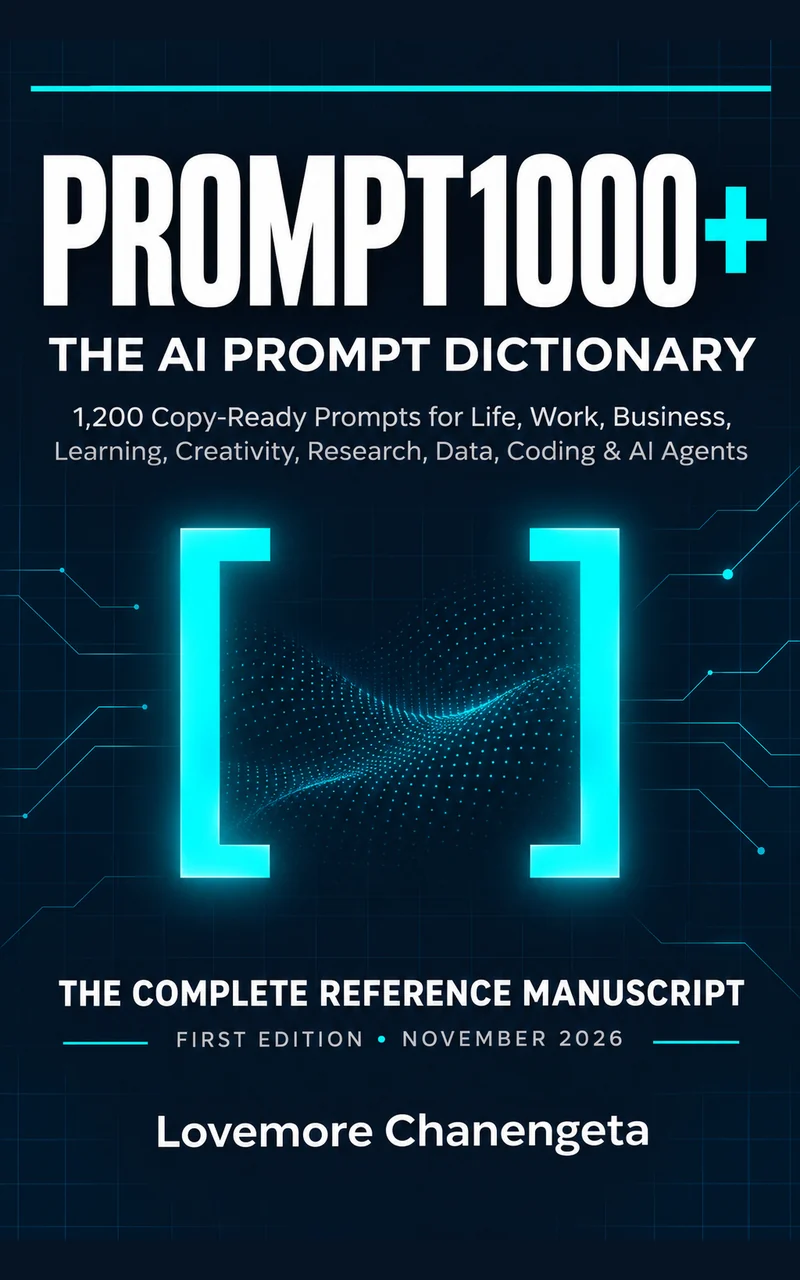
Tasks inside include: write a cover letter, build a household budget, plan a product launch, diagnose a reproducible bug, prepare an apology, analyze a survey and design an approval-first AI agent.
The blank chat box problem
AI can do a lot.
If you know how to ask.
You type a quick request. You get a confident, generic answer. You rephrase, add a detail, try again — and twenty minutes later you are still not sure the result is right.
The difference between a vague answer and a useful one is rarely the AI. It is the instruction: the goal, the facts that matter, the format you need, and the checks that keep you safe. PROMPT1000+ writes those instructions for you, task by task, so you start from a blueprint instead of a blank box.
“An answer that sounds convincing is not necessarily an answer that is right.”
Interactive · 10 seconds
The Prompt Doctor
Paste a prompt you use. See how it scores against the book's PROMPT formula, what's missing, and get an upgraded version you can copy straight into your AI.
Prompt strength
Fix these first
Upgraded prompt
A structure check, not a judgment of your idea. Short prompts can be perfect for quick tasks — the more the answer matters, the more of the formula you need.
How every entry works
One task. Five prompts. Pick the stage you're at.
Every one of the 240 tasks in the book comes with five complementary prompts, each with a Next Move to refine the answer and a Check Before Using note.
- START
I don't know where to begin
Define the task, surface assumptions and find a useful first step.
- BUILD
I need the finished thing
Produce a usable draft, analysis, plan, checklist or technical artifact.
- IMPROVE
I already have a draft
Revise an existing attempt for clarity, strength, completeness or fit.
- COMPARE
I'm choosing between options
Evaluate alternatives against explicit criteria and trade-offs.
- VERIFY
I can't afford mistakes
Look for errors, unsupported claims, risks and overlooked requirements.
- 60 SECONDS
Find › Choose › Copy › Replace › Check
Find the task, choose the stage, copy the instruction, replace every [BRACKETED FIELD], then check the answer and use the Next Move.
The formula from the book
Build a prompt with the PROMPT formula
Six parts, one strong instruction. Fill in what you know — your prompt assembles as you type and stays in your browser. Copy it or open it straight in your AI.
Search the dictionary · 240 tasks
What do you need to get done?
Search every task in the book and see exactly where its five prompts live. Tasks marked Free include the full START prompt to try right now.
Loading the index…
Inside the book
Twenty dictionaries. The right lure for every task.
Organised around what you’re trying to do, not AI jargon. Twenty compartments in one tackle box, sixty prompts in each. Pick a compartment, then browse its tasks.
-
Sample tasks: Build a personal emergency plan · Create a realistic weekly routine · Make a difficult personal decision.
-
Sample tasks: Break down a vague ambition · Create a standard operating procedure · Delegate a recurring responsibility.
-
Sample tasks: Build a reusable writing style guide · Draft a clear professional email · Edit for concision.
-
Sample tasks: Ask for help effectively · Clarify a misunderstanding · Conduct an informative interview.
-
Sample tasks: Build a study timetable · Create spaced-repetition cards · Design a skill-building project.
-
Sample tasks: Audit citations in a draft · Build an annotated bibliography · Check whether a statistic is misleading.
-
Sample tasks: Compare job offers · Create a professional portfolio · Identify skill gaps for promotion.
-
Sample tasks: Address a missed commitment · Assess leadership trade-offs · Build a hiring scorecard.
-
Sample tasks: Assess competitor positioning · Build a 90-day execution strategy · Create a lean business plan.
-
Sample tasks: Clarify a value proposition · Create social media posts · Develop a brand voice.
-
Sample tasks: Analyze lost deals · Build a customer feedback survey · Build a product demo.
-
Sample tasks: Analyze unit economics · Build a household budget · Compare financing options.
-
Sample tasks: Compare general wellness claims · Create a balanced meal-planning checklist · Improve sleep routines.
-
Sample tasks: Brainstorm a podcast episode · Build a believable fictional character · Create a children's story.
-
Sample tasks: Audit a visual asset for consistency · Create a storyboard · Describe cinematic lighting.
-
Sample tasks: Clarify software requirements · Design a database schema · Diagnose a reproducible bug.
-
Sample tasks: Analyze a survey · Assess data privacy risk · Build a KPI dashboard.
-
Sample tasks: Automate a repetitive report · Build a read-only research assistant · Connect a form to a database.
-
Sample tasks: Audit a factual answer · Check a calculation · Check accessibility of writing.
-
Sample tasks: Build a personal prompt library · Build a prompt with examples · Choose the right output format.
Plus six appendices: the Universal Prompt Builder, Prompt Troubleshooting, Vendor-Neutral Prompting, a Quality Checklist, the Alphabetical Task Index and Source Notes.
The Ten Golden Rules of Prompting
- 01 · Say what you want to achieveDescribe a useful end state, not only a topic.
- 02 · Give only relevant contextShare facts that change the answer, but protect sensitive information.
- 03 · Name the audienceA good answer for a child, executive or technician may look different.
- 04 · Specify the outputAsk for a plan, table, draft, code file or checklist when needed.
- 05 · Make the constraints visibleDeadlines, budgets, length limits and compliance requirements matter.
- 06 · Allow uncertaintyInvite the assistant to say what is unknown rather than guessing.
- 07 · Ask for evidence when it mattersFor source-dependent claims, request traceable and current sources.
- 08 · Use examples carefullyOne good example can clarify style; do not let it become a false fact.
- 09 · Iterate with a purposeState exactly what should improve instead of endlessly saying “better”.
- 10 · Keep human controlReview consequential decisions and approve external actions yourself.
Written for
Everyone who works with AI — not just engineers
Professionals & managers
Emails, proposals, one-to-ones, reports and decisions — done faster and checked properly.
Founders & small businesses
Test an idea, price it, write the landing page and plan the launch without a big team.
Students & lifelong learners
Learn concepts, build timetables and practise retrieval — AI as a tutor, not a shortcut.
Marketers & creators
Briefs, brand voice, scripts, storyboards and image prompts that come out on-brand.
Developers & analysts
Requirements, bugs, tests, schemas, formulas and dashboards with verification built in.
Teams adopting AI agents
Approval-first agents, safe automations and failure testing — with humans in control.
Lines worth sharing
Better questions, better answers
Free · one-page reference
Get the PROMPT formula sheet
The PROMPT formula, the five stages, the Ten Golden Rules and the Universal Prompt Builder on a single printable page. Join the launch list for the PDF, new prompts and reader-only updates.
No spam. Unsubscribe in one click.

For organisations
Get your whole team prompting well
Buying AI licences is the easy part. Getting reliable, verifiable work out of them is a skill.
Keynote
“Eloquence Is Not Evidence” — how to get useful, checkable work from AI, in 45 minutes.
Prompting workshop
Half-day, hands-on: teams bring real tasks, apply the PROMPT formula and leave with a tested prompt library for their own work.
Bulk copies & team library
Desk copies for every team member, plus help turning the book's entries into a shared, governed prompt library.
Questions
Frequently asked
What is PROMPT1000+?
A reference book of 1,200 copy-ready AI prompts, organised by real tasks in 20 dictionaries. Every task has five prompts — Start, Build, Improve, Compare and Verify — each with a suggested next move and a check before you rely on the answer.
Does it work with ChatGPT, Claude, Gemini and Copilot?
Yes. The prompts are vendor-neutral: they describe the goal, context, output and checks rather than depending on one model, so they work with any capable assistant. Some tasks benefit from optional features like browsing, file reading or code execution; the book labels those.
Do I need to be technical?
No. The book is organised by everyday tasks, not AI terminology. If you can describe what you need, you can use it. The technical dictionaries (coding, data, agents) are there when you need them.
Won't the prompts go out of date as AI changes?
The prompts are built on durable skills: stating a goal, supplying relevant facts, specifying an output and checking the result. Entry IDs stay stable between editions, and changes are recorded here on lvmre.com.
Is it on Kindle Unlimited?
Yes. The Kindle edition is enrolled in KDP Select, so Kindle Unlimited members read it at no extra cost. The 562-page 6×9″ paperback is built to sit on your desk as a reference.
Can I share the prompts?
Use and adapt them freely for your own work. The licence doesn't cover republishing or reselling the collection. For team-wide use, ask about bulk copies.
I'm a journalist or podcaster. Is there a press kit?
Yes — see the media kit below for the cover, author photo and shareable quote cards.
Media kit
For press, podcasts & reviewers
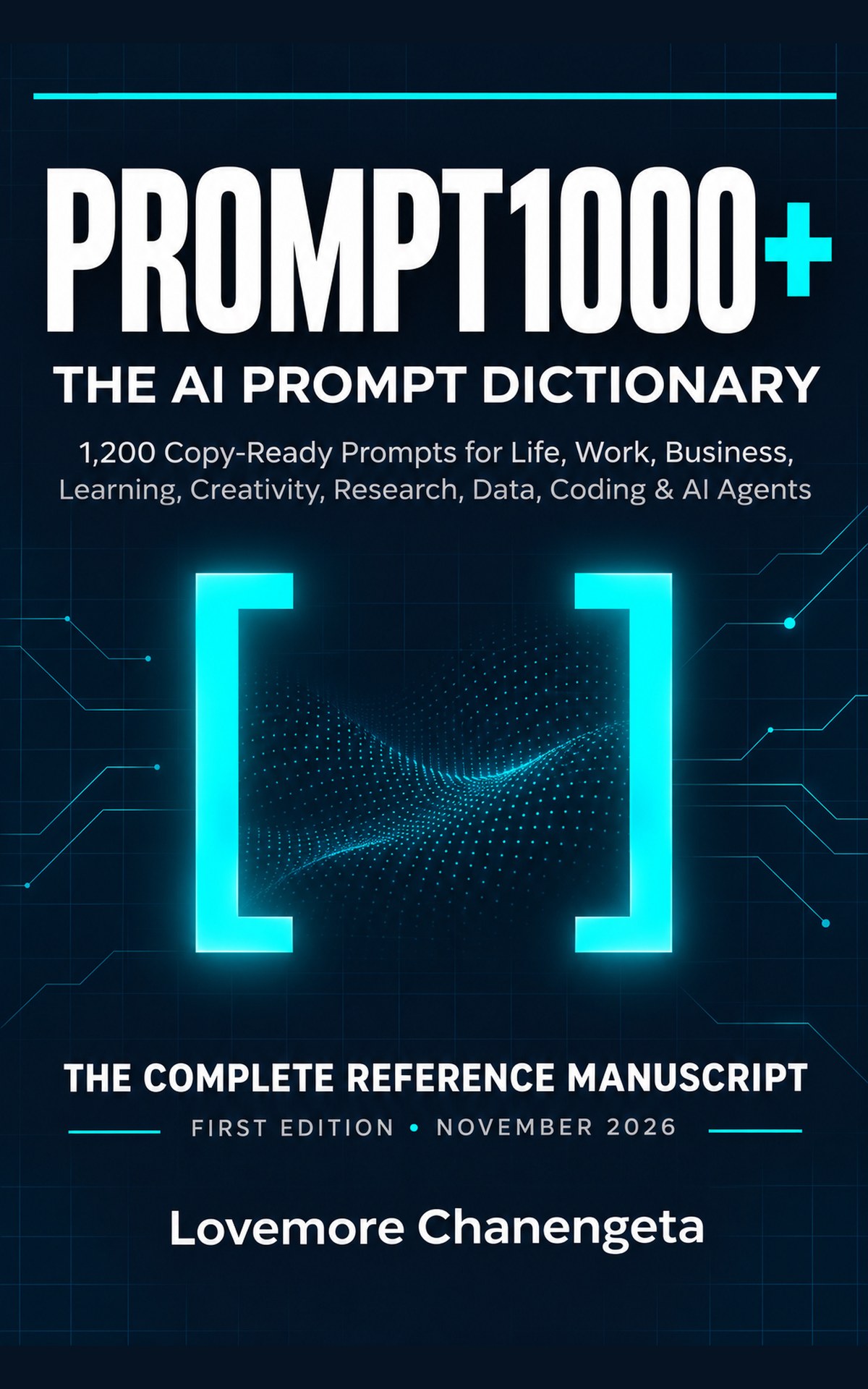
- Front cover (JPG, 1200×1920)
- Author photo (PNG, transparent)
- Social banner (1200×630)
- Quote cards (square & story)
- Title
- PROMPT1000+: The AI Prompt Dictionary
- Subtitle
- 1,200 Copy-Ready Prompts for Life, Work, Business, Learning, Creativity, Research, Data, Coding & AI Agents
- Author
- Lovemore Chanengeta
- Formats
- Kindle eBook (KDP Select) · Paperback, 6×9 in
- Contents
- 1,200 prompts · 240 tasks · 20 dictionaries · 6 appendices
- Edition
- First Edition, November 2026